A calm home screen for less phone time.
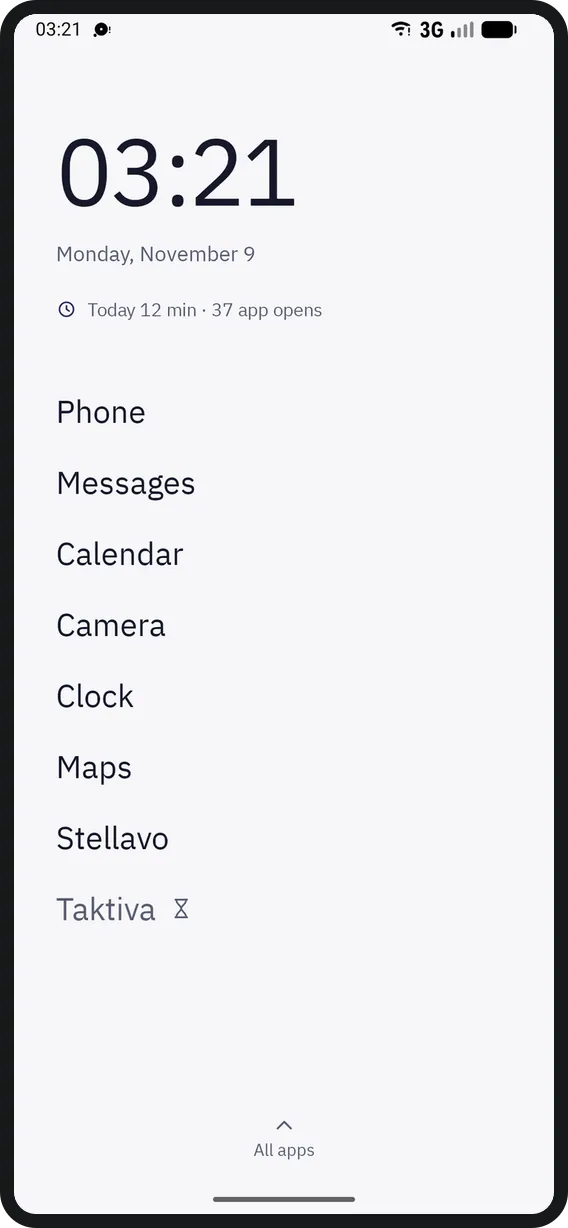
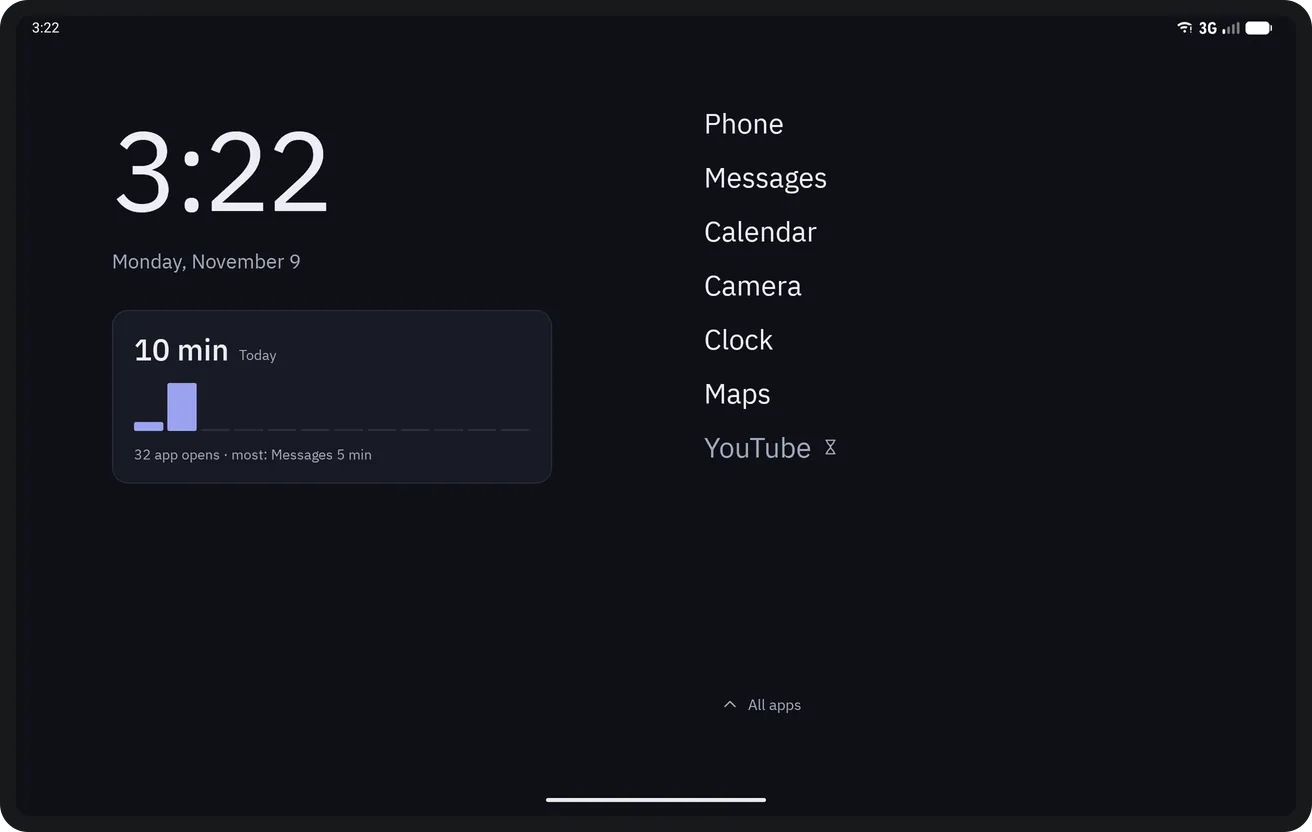
A short list of names instead of a grid of icons, with the clock, the date and today's screen time at the top. Distracting apps wait a few seconds before they open, then open for 5 or 15 minutes. Dockela Quiet has no internet permission: there are no ads, no analytics and no account, and the list and settings stay on this device only.
$0.99One-time purchase14-day refund
Phone
Home screen 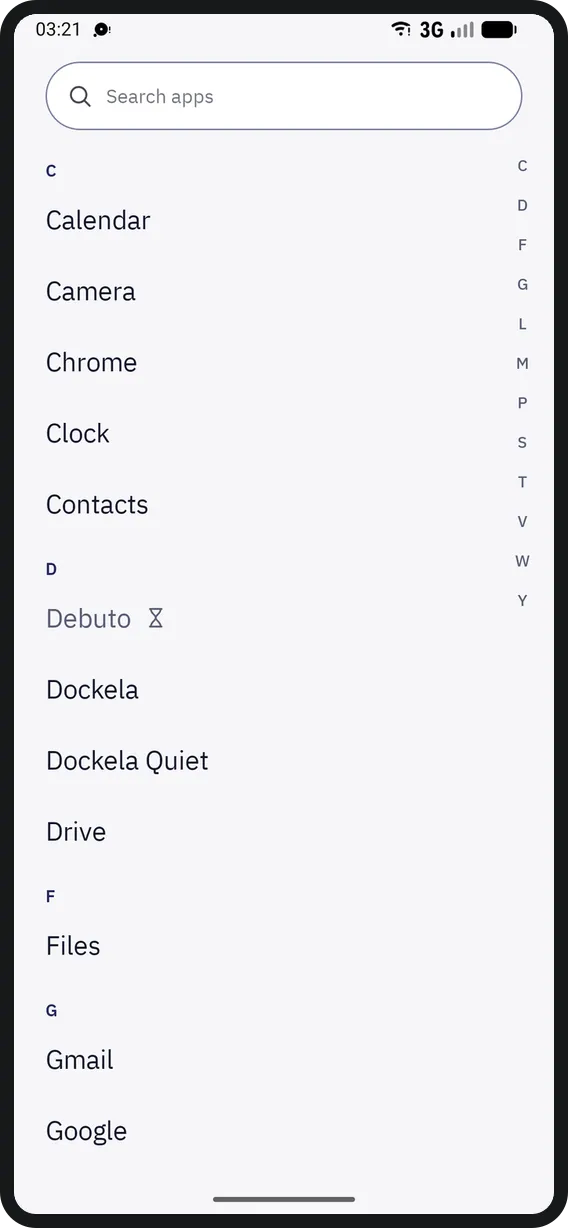
All apps 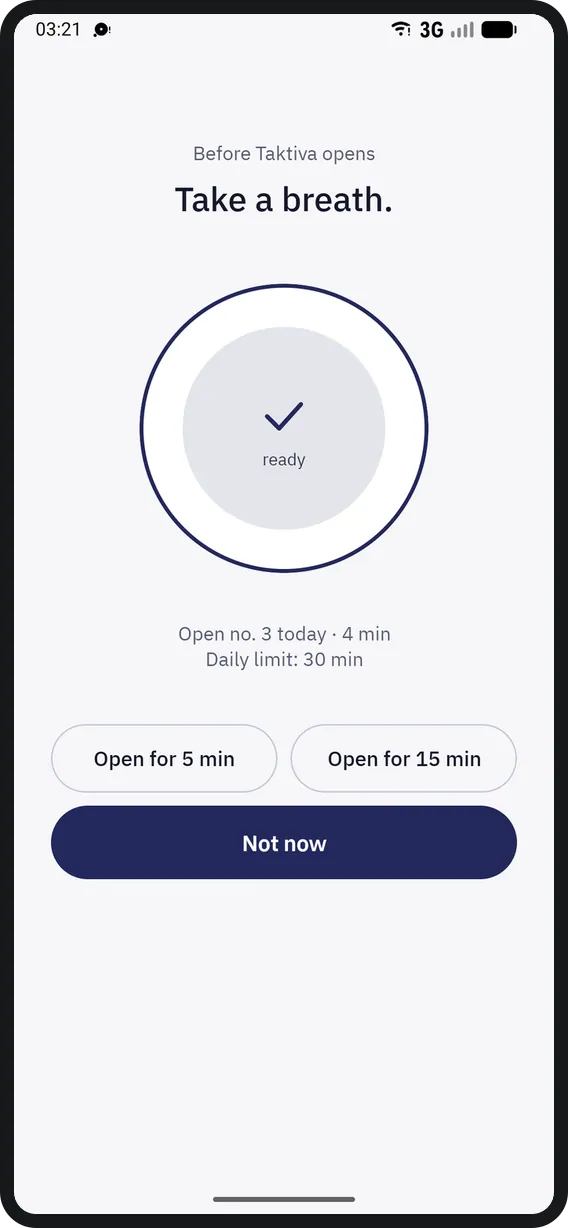
Pause screen 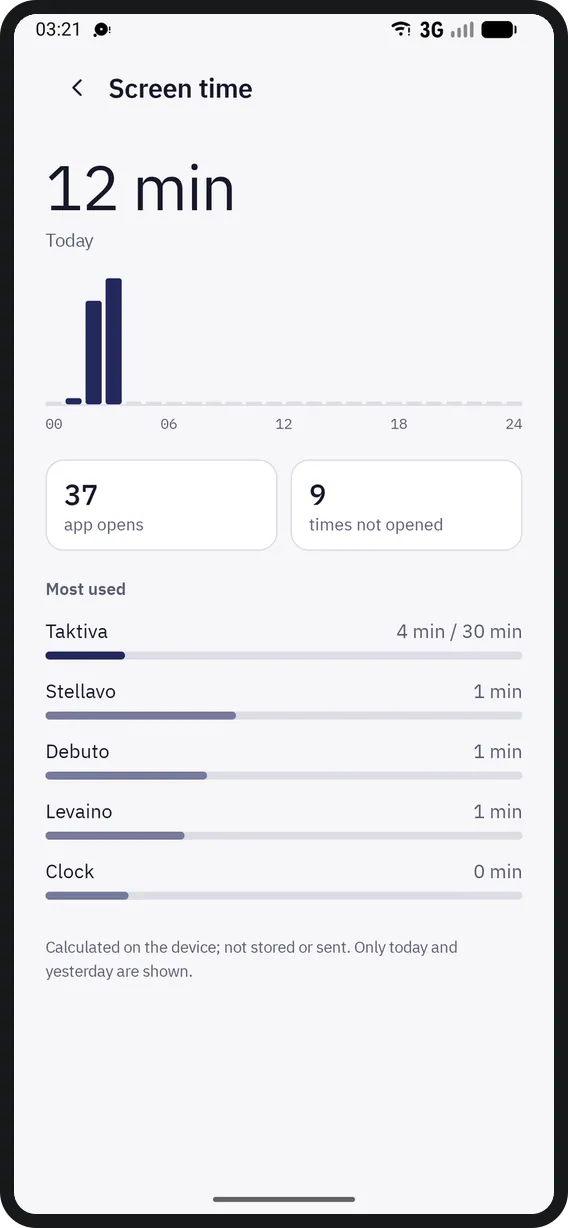
Screen time 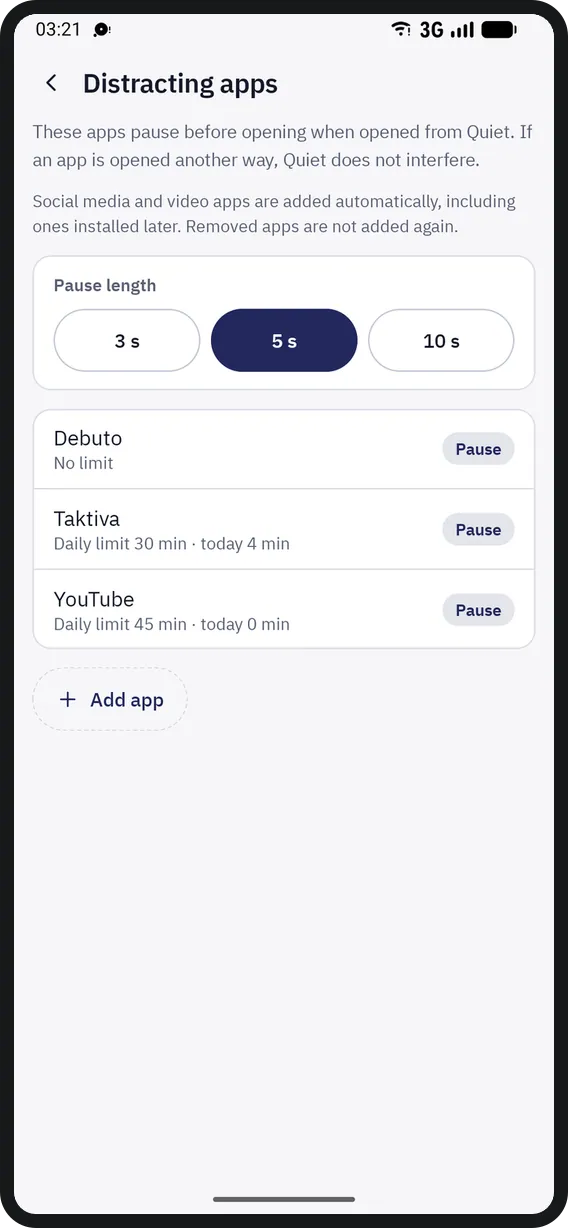
Distracting apps 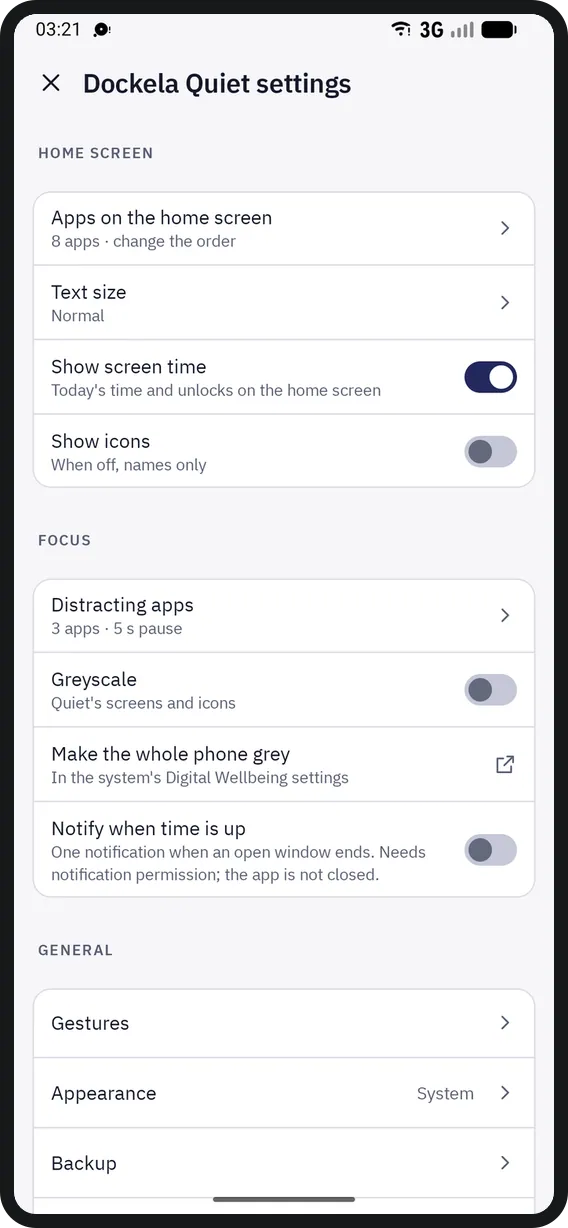
Settings


Tablet
Home screen 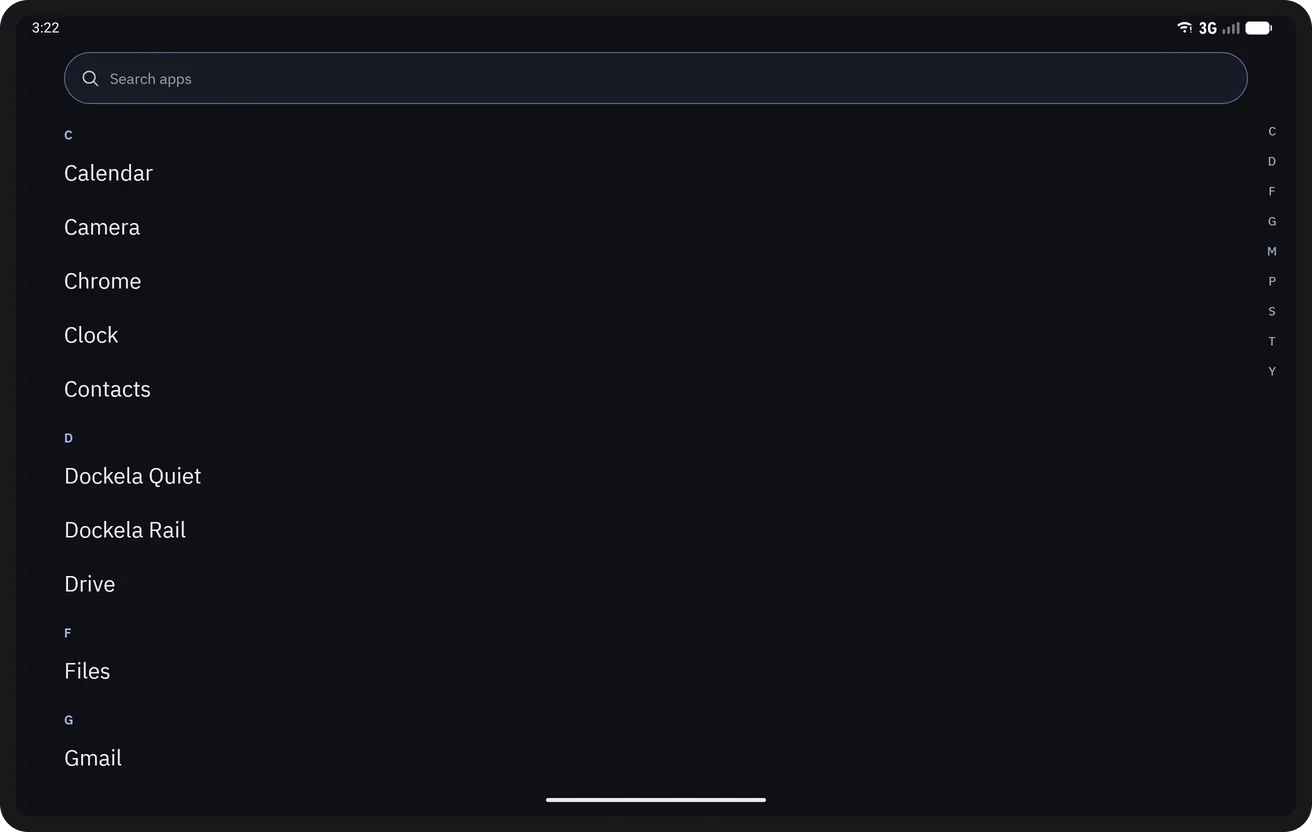
All apps 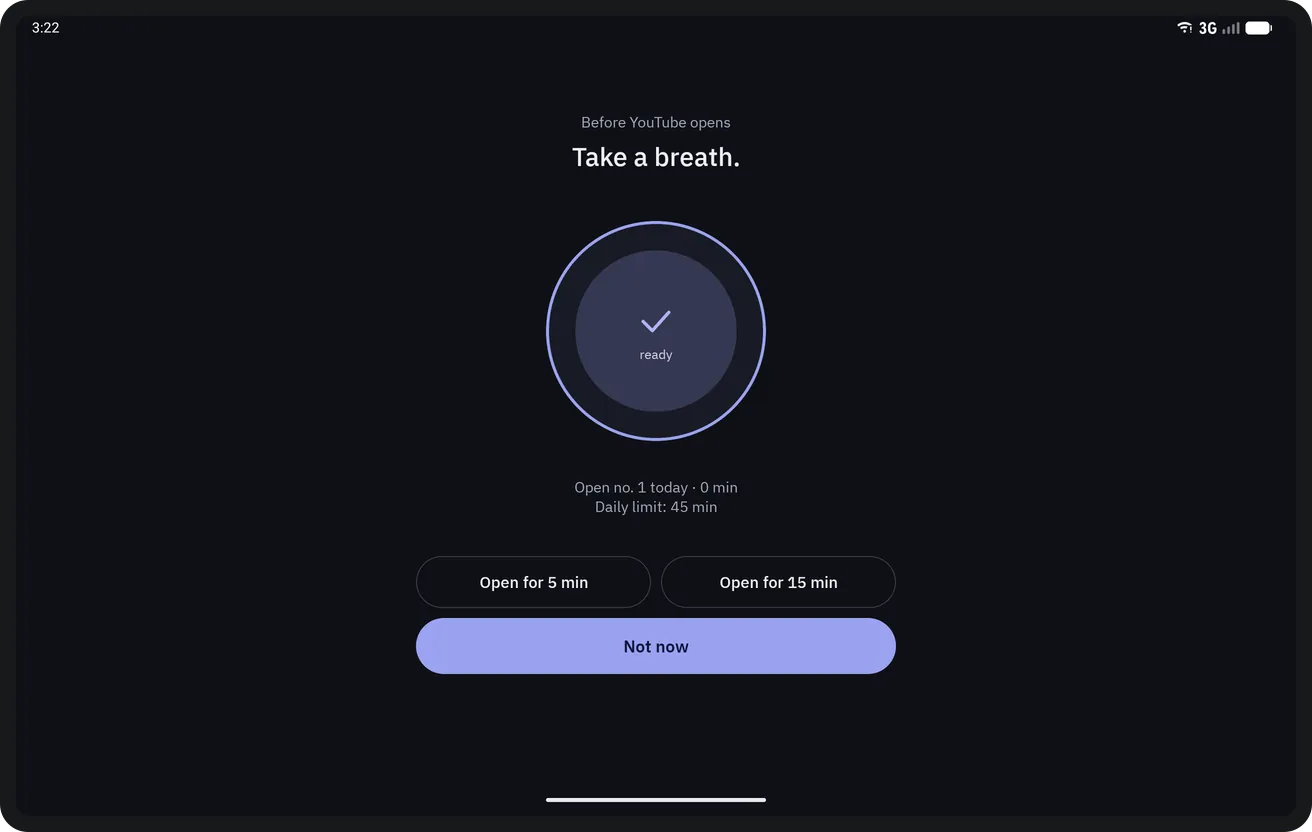
Pause screen 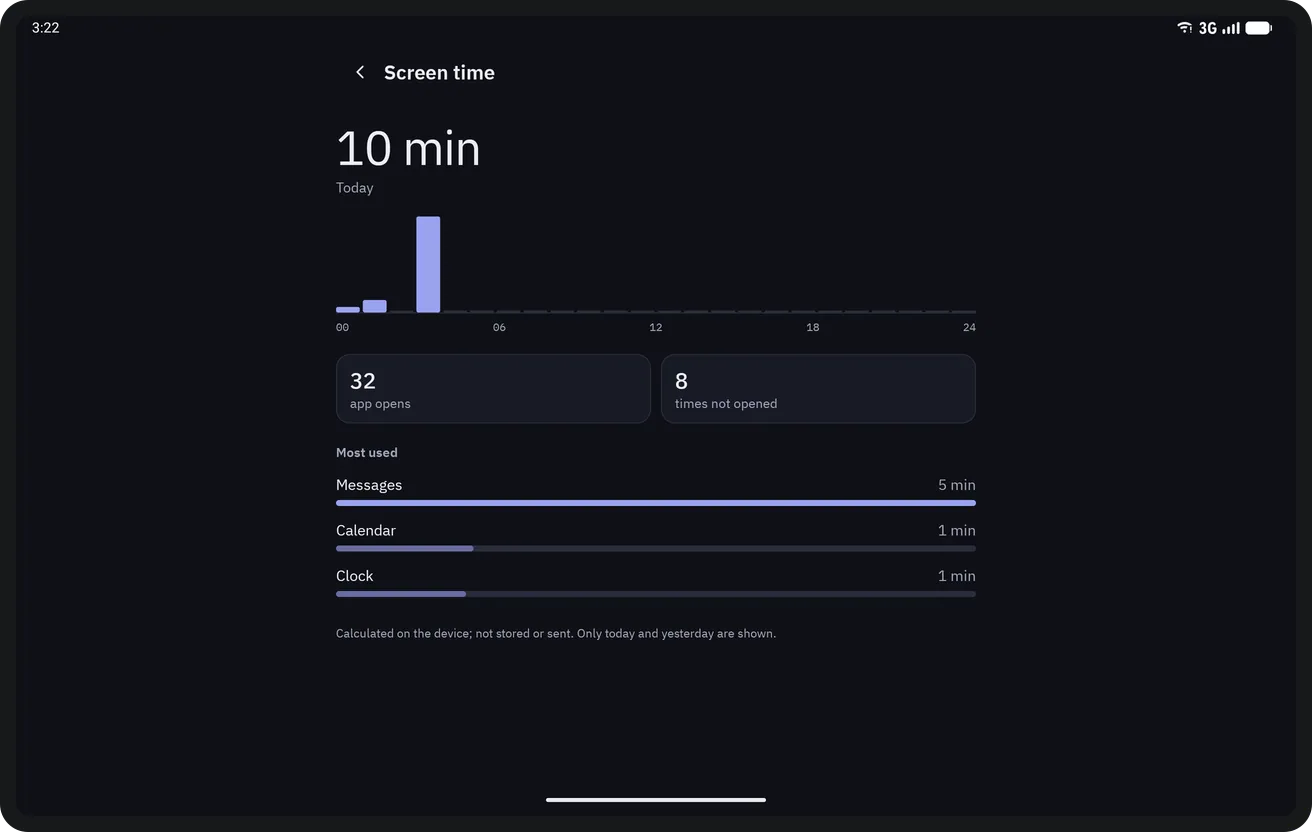
Screen time 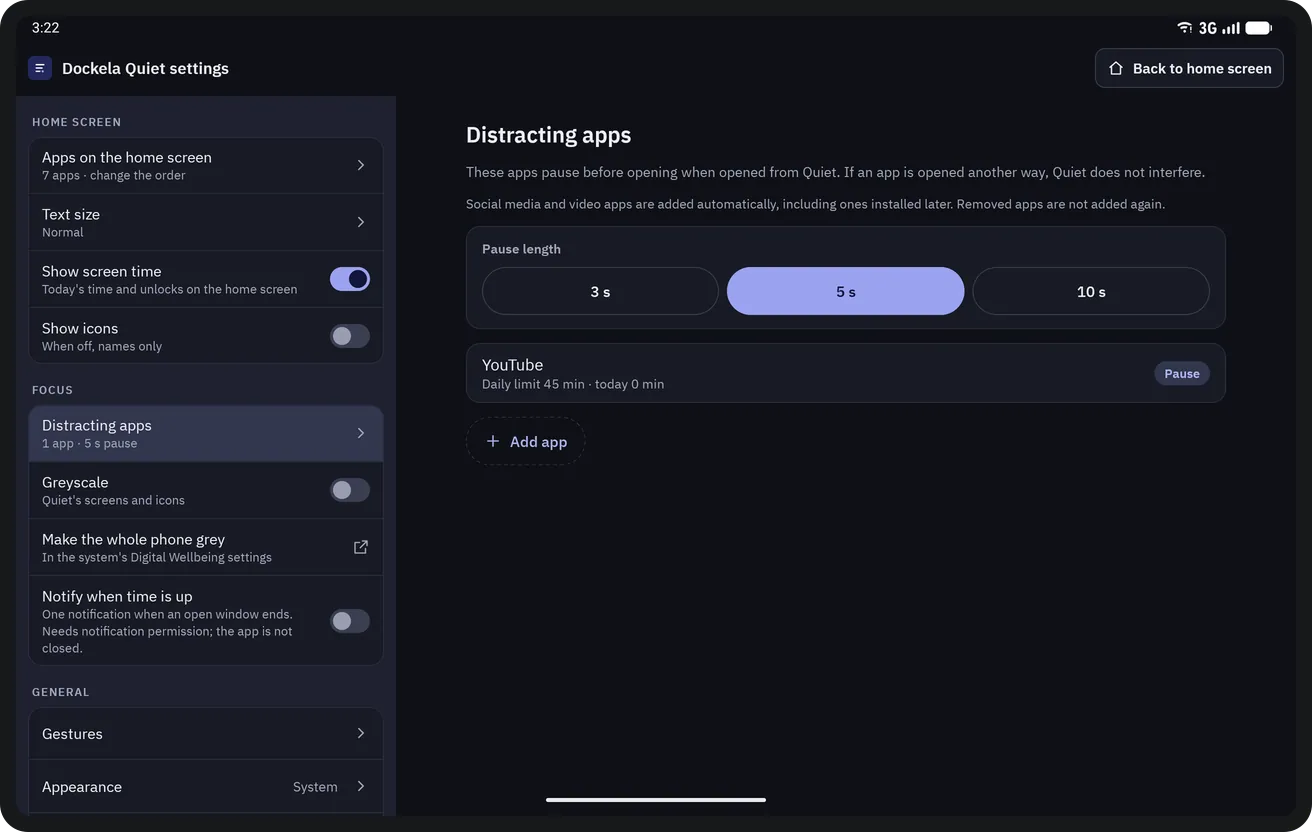
Distracting apps 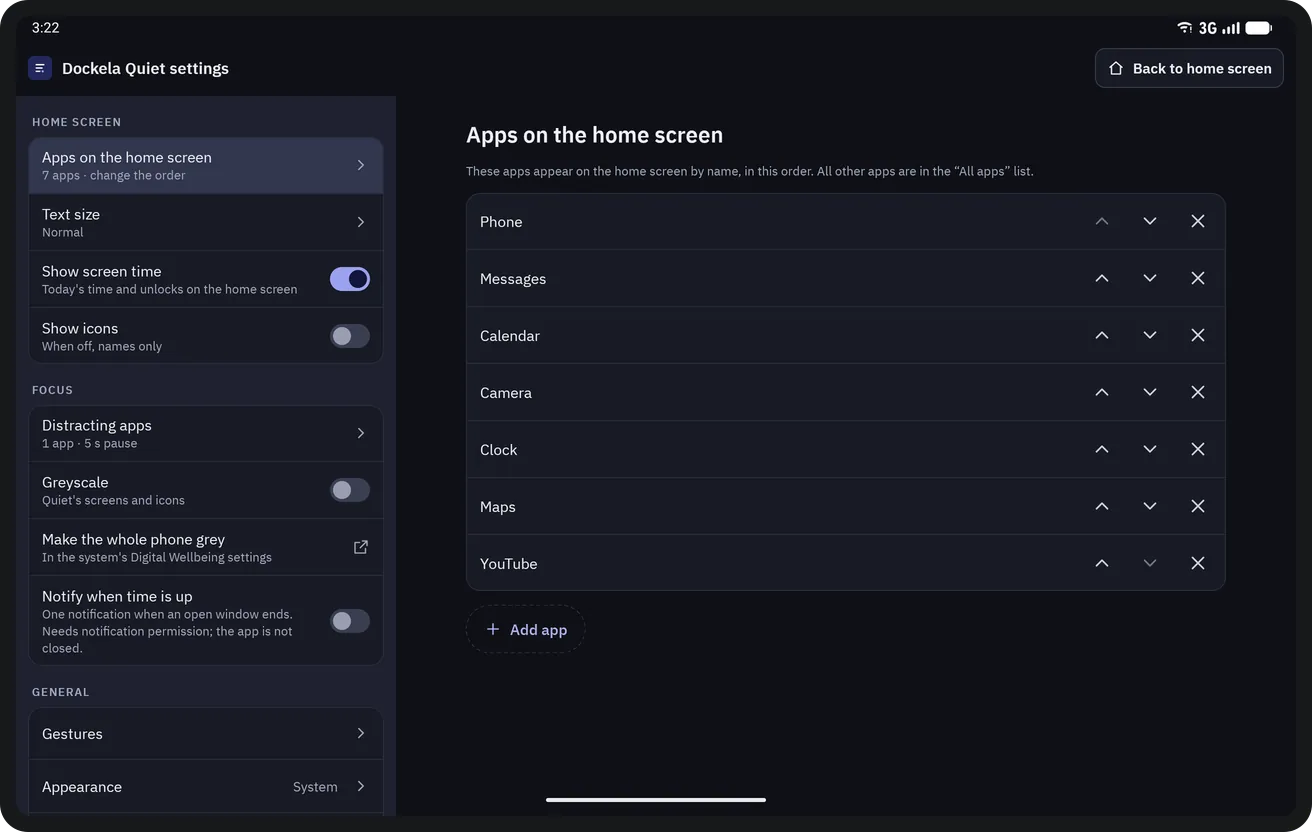
Settings


Key features
- A home screen of names
- Instead of an icon grid, the home screen shows the chosen apps by name in large text, with a large clock, the date and today's screen time at the top. A swipe up opens the All apps list. On first launch, phone, messages, calendar, maps, camera and clock are placed on the home screen; the list and its order can be changed later.
- A breath before it opens
- When an app marked as distracting is opened from Quiet, a pause screen comes first: a breathing ring of 3, 5 or 10 seconds (breathe in, breathe out). When the countdown ends, the app opens for 5 or 15 minutes, or “Not now” is chosen. The screen also shows how many times the app has been opened today and today's use.
- Daily limits
- Each distracting app can have a daily limit from 15 minutes to 2 hours. When the limit is reached, the app opens for 5 minutes only after a confirmation word is typed. Time is counted when usage access is granted; the counter resets at midnight.
- Time-up reminder
- When the 5 or 15 minutes are over, a single notification appears; the app is not closed. The notification is on by default; notification permission is asked once, the first time “Open for 5 / 15 min” is tapped. Without the permission, the reminder appears on returning to the home screen.
- Screen time
- Today's screen time is compared with yesterday's; hour-by-hour use, the number of unlocks, app opens, opens turned down with “Not now” and the most used apps are shown. It is calculated on the device from Android's usage records; it is not stored and not sent anywhere. Only today and yesterday are read.
- All apps
- An A–Z list with a letter bar and search. Hidden apps fold into a single row and are shown after a short pause.
Data processing and privacy
Dockela Quiet has no internet permission; Android does not allow an app without this permission to connect to a network. There are no ads, no analytics and no account. The home screen list, distracting and hidden apps, daily limits, the names given and the settings stay on this device only. Screen time is calculated on the device from Android's usage records; it is not stored and not sent anywhere. Usage access (screen time and daily limits), notifications (time-up reminder) and device administrator (double-tap to lock only) permissions are optional.
Get Dockela Quiet
Purchased once from Google Play; no ads, no subscription and no in-app purchases.