機能
OLL and PLL cases for the last layer of the 3×3 cube: first recognise the case from a picture, then learn the algorithm, then practise against the clock. Case pictures and default algorithms come from FigBell's own cube simulator; if you type your own algorithm, it is tested in the simulator. Times and progress stay on the device; the app has no internet permission.
主な機能
- OLL, PLL and the 2-look method
- The 21 PLL and 57 OLL cases; for beginners, 2-look OLL (3 edge orientation + 7 corner orientation cases) and 2-look PLL (2 corner + 4 edge cases). Cases are grouped: edges only, corners only, adjacent and diagonal corner swaps, G perms; for OLL, cross solved, dot, line, L shape.
- Your own algorithm
- Every case comes with 2–3 algorithms; you pick the one you use. When you type your own, Algivo tests it in its cube simulator and saves it only if it really solves the case; the notation (R, U', r, M, x …) is checked.
- Step-by-step 3D cube
- The chosen algorithm plays move by move; previous / next move, speed 0.5–2×. Drag to turn the cube and see the hidden faces. The move being played is highlighted in the algorithm text.
- Recognition from a picture
- The case picture is shown from a different angle each time (random top turn); pick the right one of four answers while your recognition time is measured. Right and wrong answers set the next review day with spaced repetition.
- Timer
- Full solves with random-move scrambles (not an official competition scrambler), 15-second inspection (alerts at 8 and 12 seconds, +2 when exceeded, DNF at 17 seconds), +2 / DNF, and ao5 and ao12 with the best and worst time dropped. Hold and release on the touch screen, or use the Space bar; the screen stays on while timing.
- Case practice
- The setup is the inverse of your algorithm: the cube is brought to exactly the case you are learning, and only that case is timed. The best time and the mean of the last 12 are kept per case.
- Today's practice
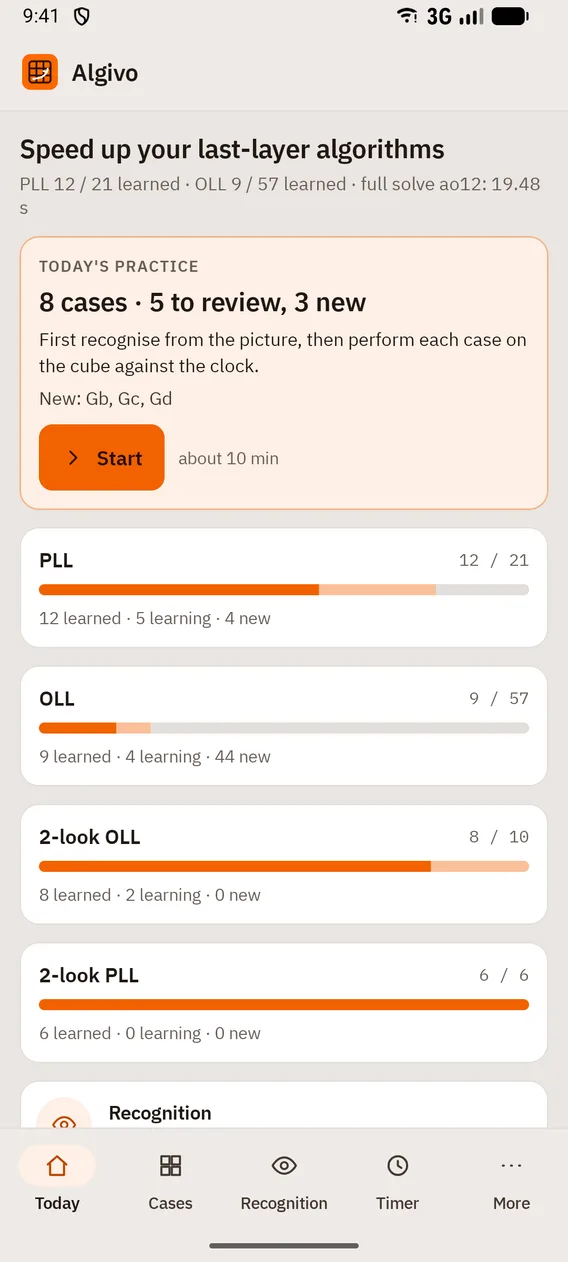
- A short plan every day: the reviews that are due and up to three new cases; first recognition, then execution against the clock. On first launch you choose: just starting, full PLL or full OLL.
- Statistics and backup
- An ao12 curve, the slowest cases, learning status per set. Times are exported as CSV and a progress card as an image through the system share sheet; everything moves with a single backup file.
デバイスとブラウザ
- On phones, bottom navigation (Today, Cases, Recognition, Timer, More); on landscape tablets a vertical menu on the left and an inspector on the right in Cases and Timer.
- Android 8.0 or later; the iPhone and iPad version is in preparation. There is no web, desktop or installable web app.
スマートフォン
ホーム画面 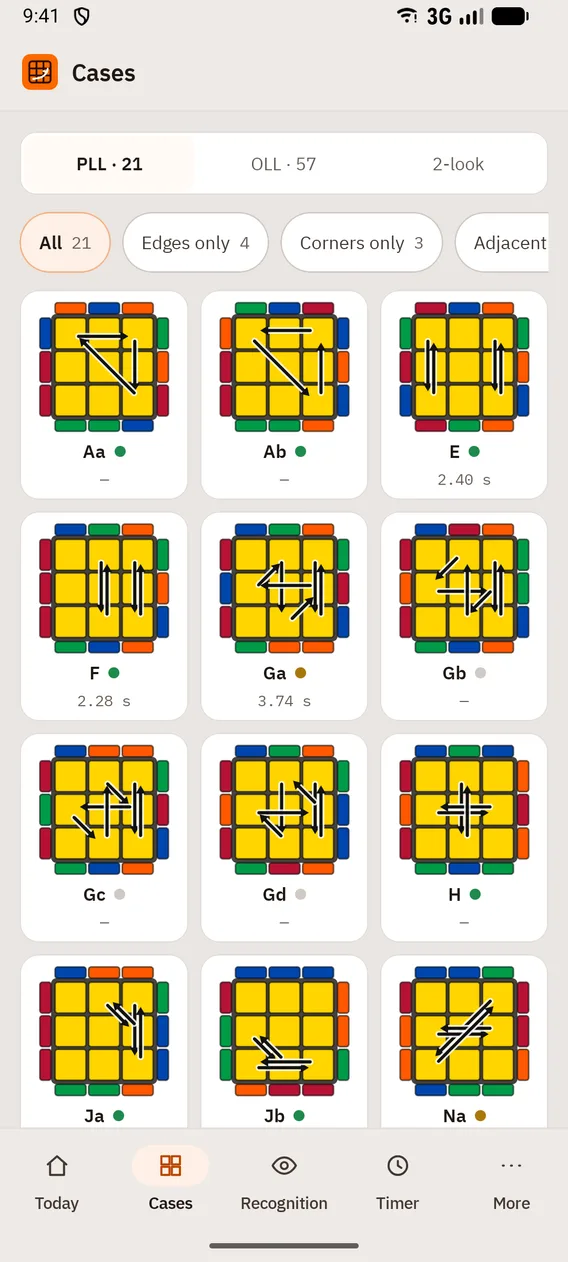
ケース 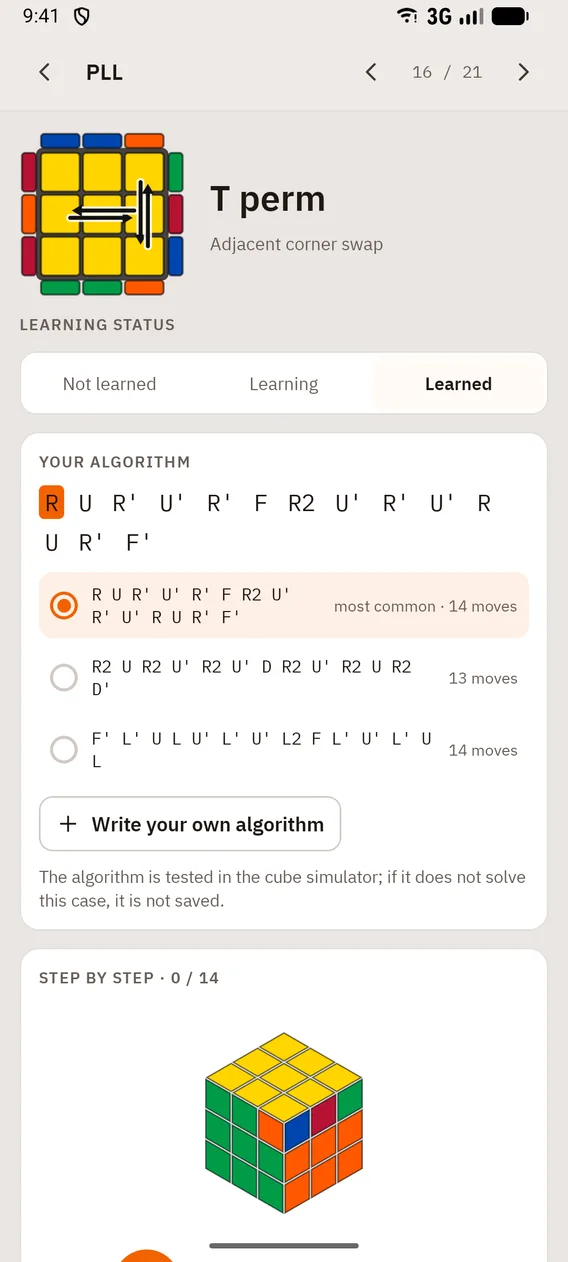
ケースの詳細 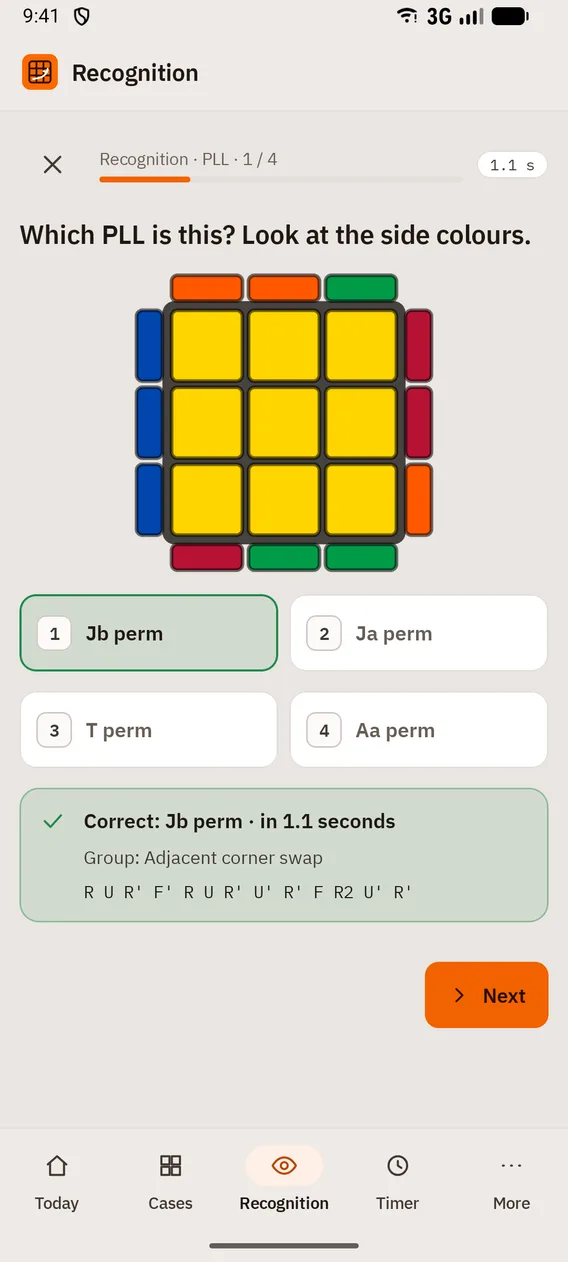
認識 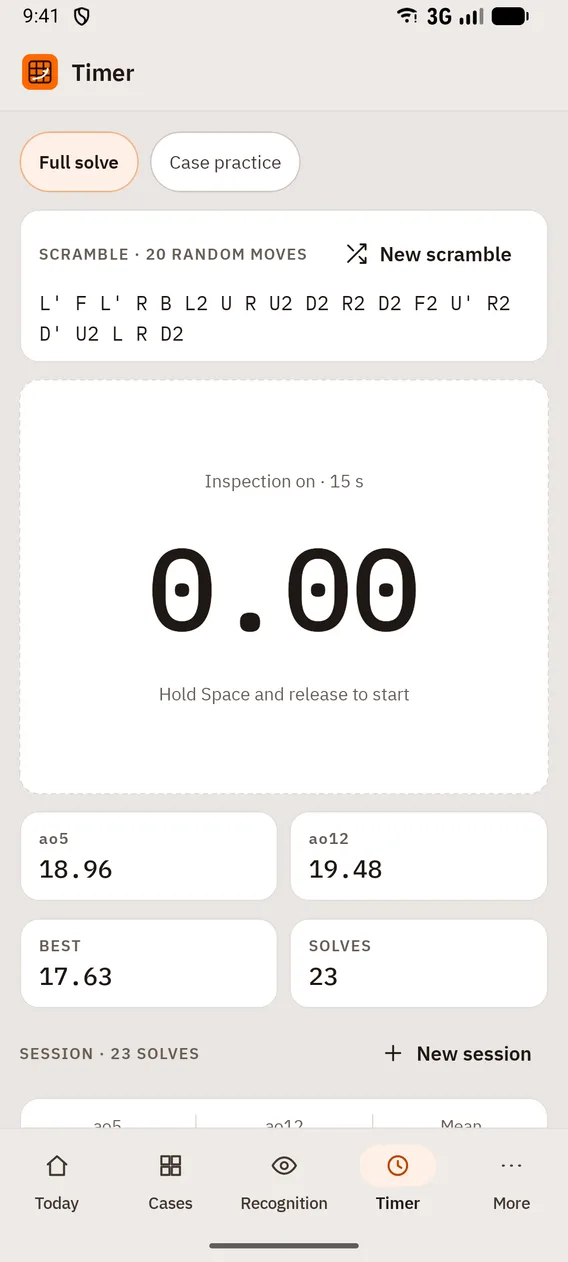
タイマー 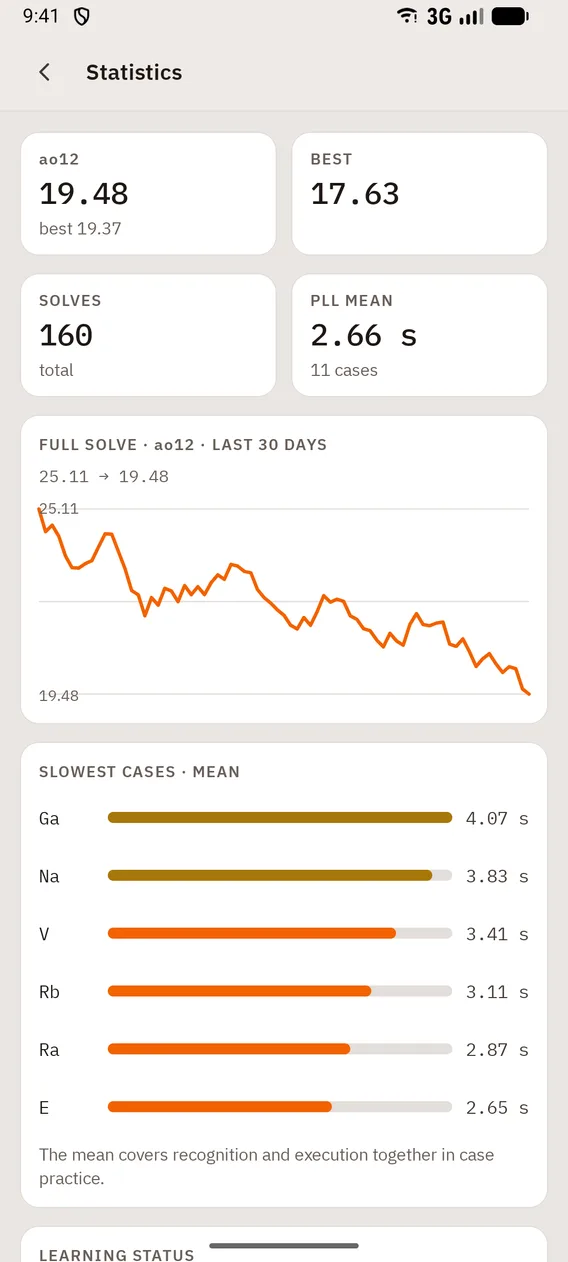
統計


タブレット
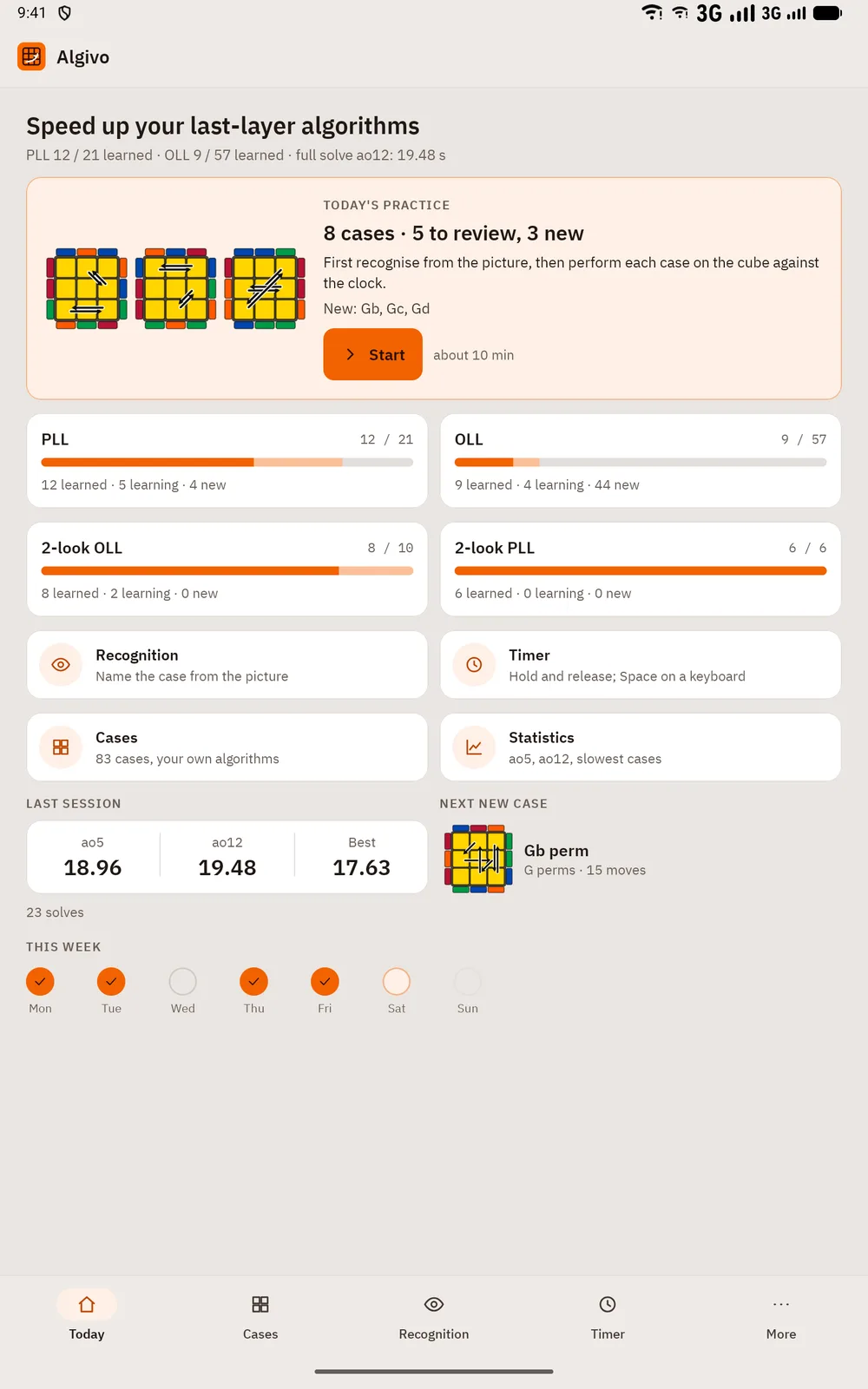
ホーム画面 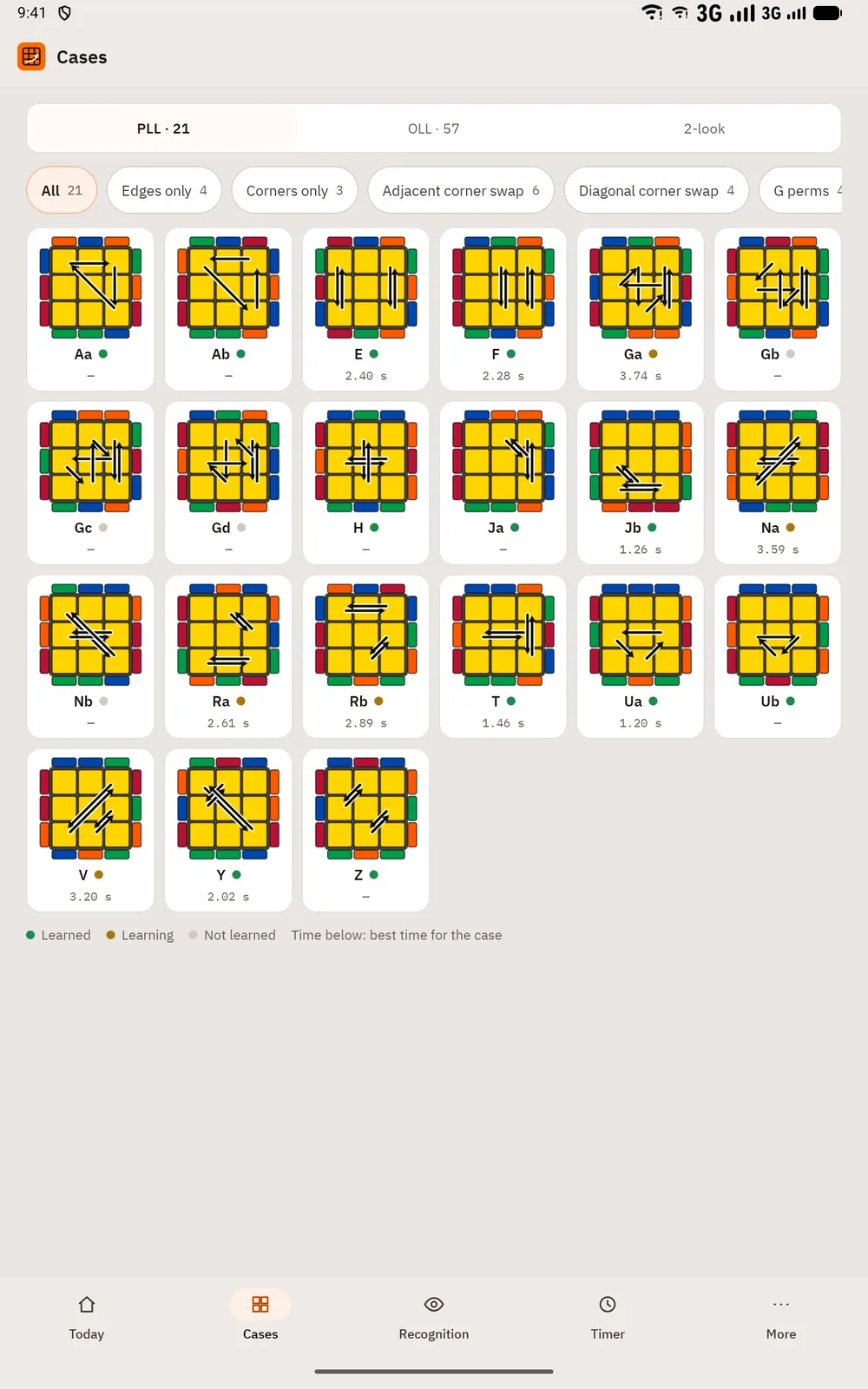
ケース 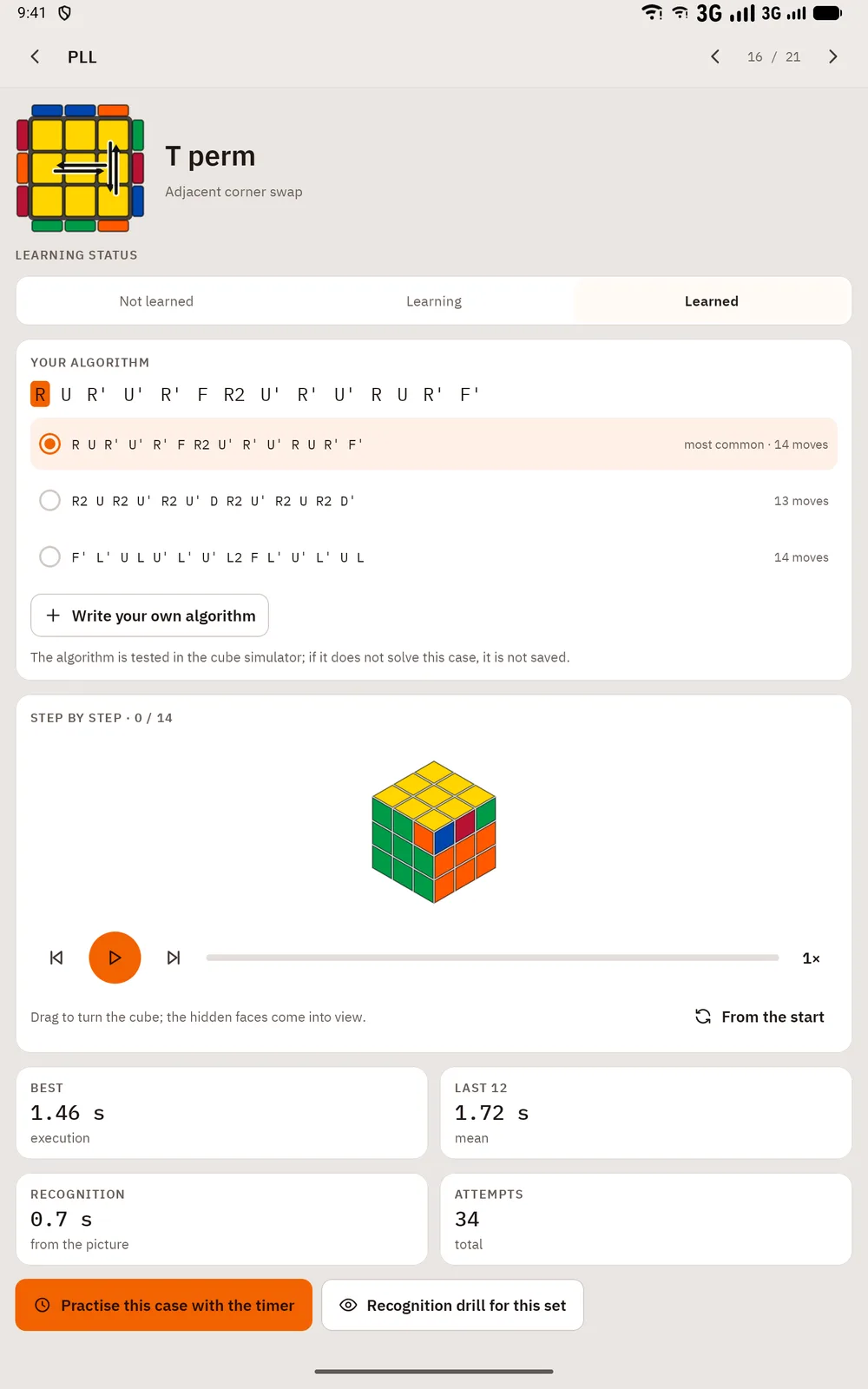
ケースの詳細 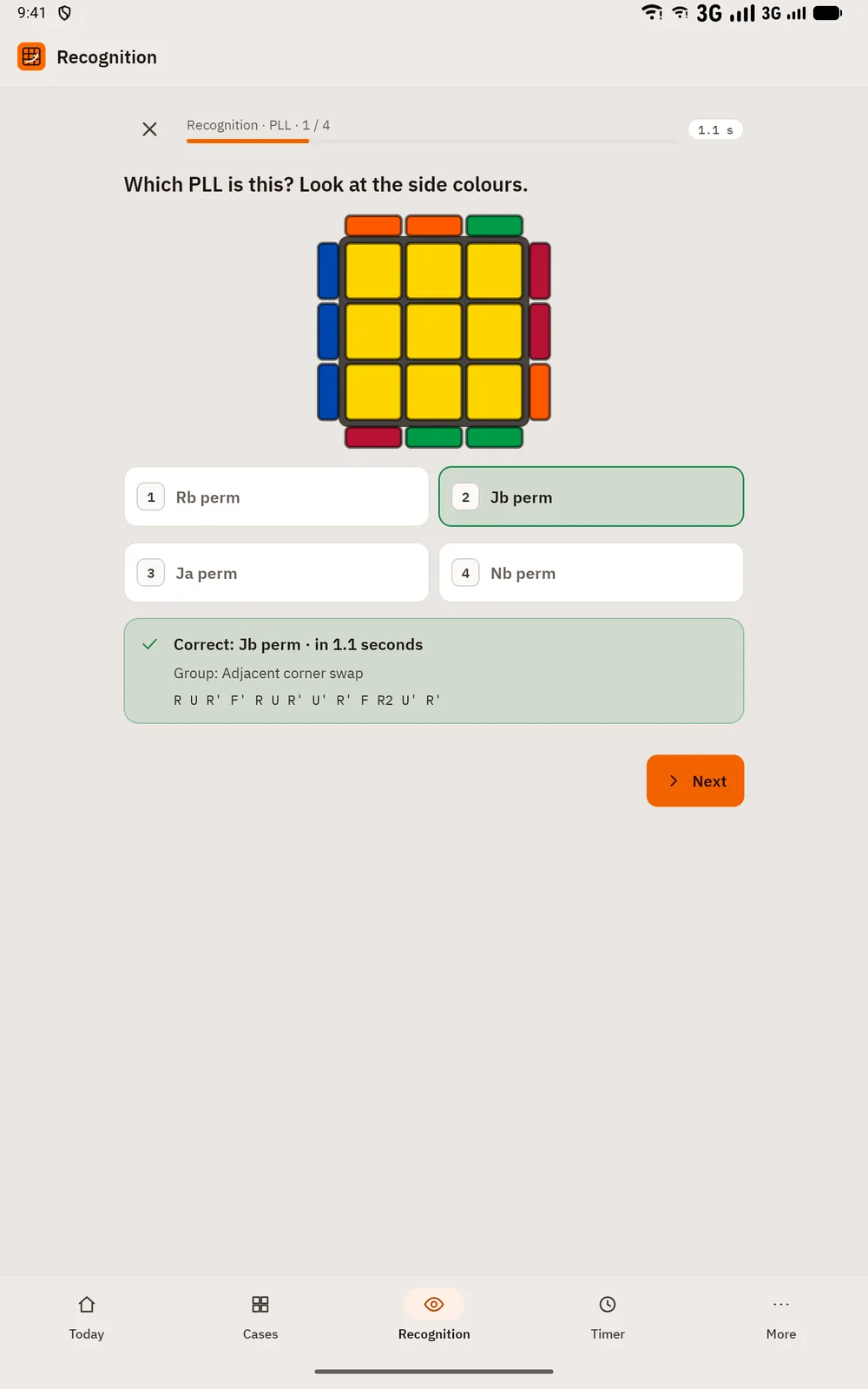
認識 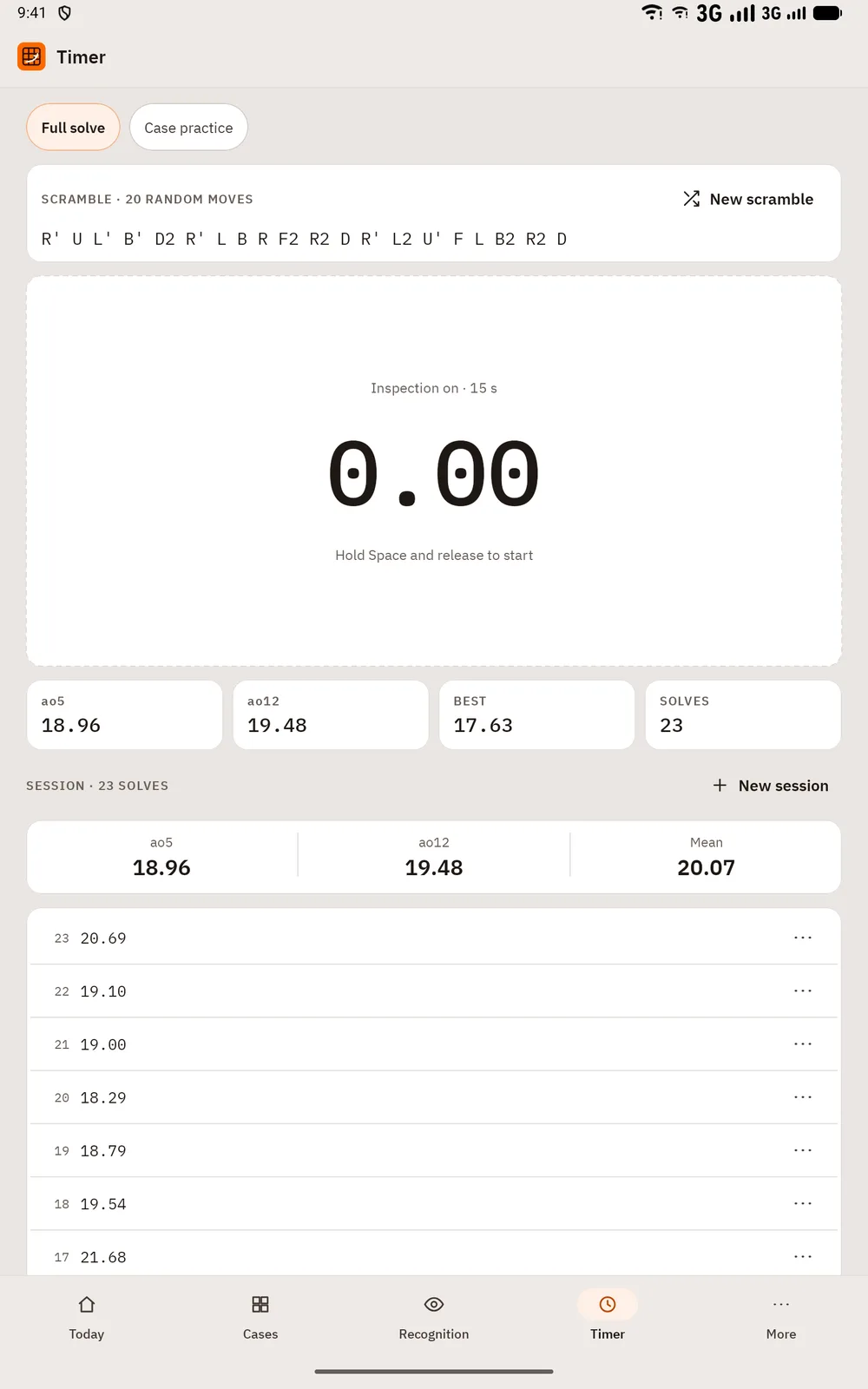
タイマー 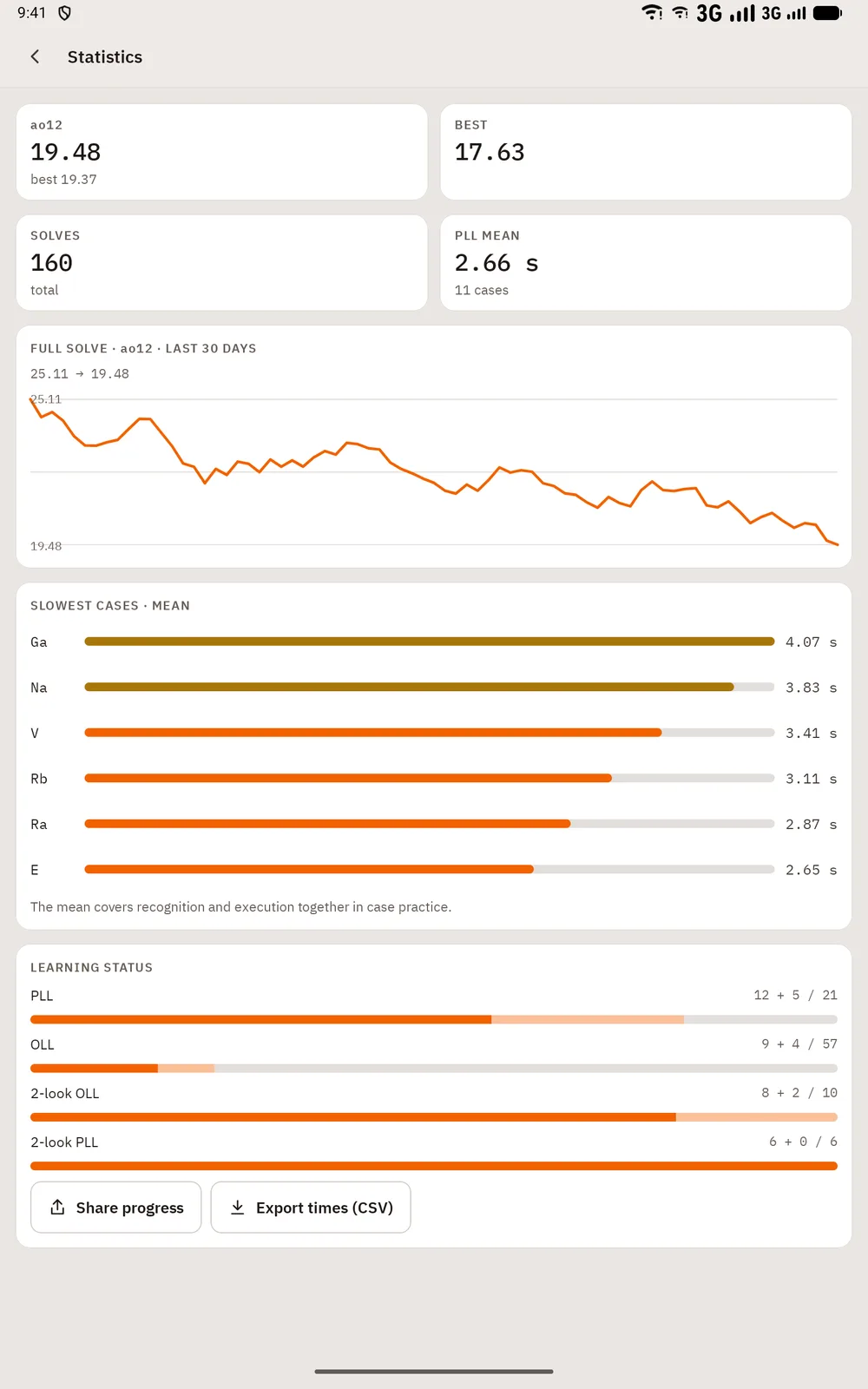
統計


キーボードショートカット
macOS では ⌘ と ⌥、Windows と Linux では Ctrl と Alt を使用します。
| ショートカット | 操作 |
|---|---|
| Space | Hold and release: start the timer; any key while solving: stop |
| 1 – 4 | Choose an answer in recognition |
| Enter | Next case in recognition |
On touch screens, hold the timer area and release to start, tap to stop; every button is at least 48 dp.
Algivo を入手
Google Play で一度購入するだけです。広告、サブスクリプション、アプリ内課金はありません。
Google Play で近日公開